
How Kwickly works
You can see your website as soon as you start typing, and you only create an account when you're ready to save it.
The five steps
- 1
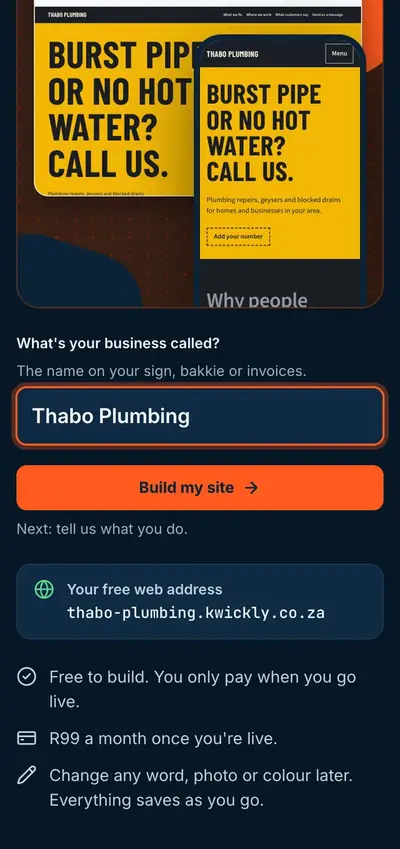
Type your business name
Your website starts to take shape as you type, and you can see your free web address straight away.
- 2
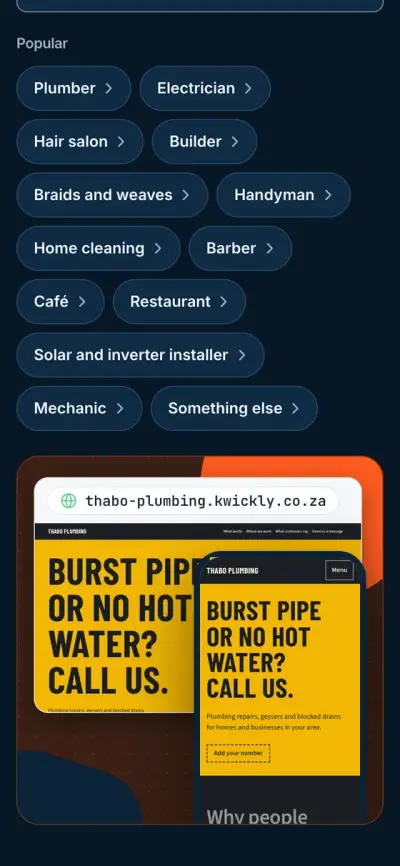
Say what you do
Search in everyday words. Typing sparky finds electrician, and typing braids finds hair salon.
- 3
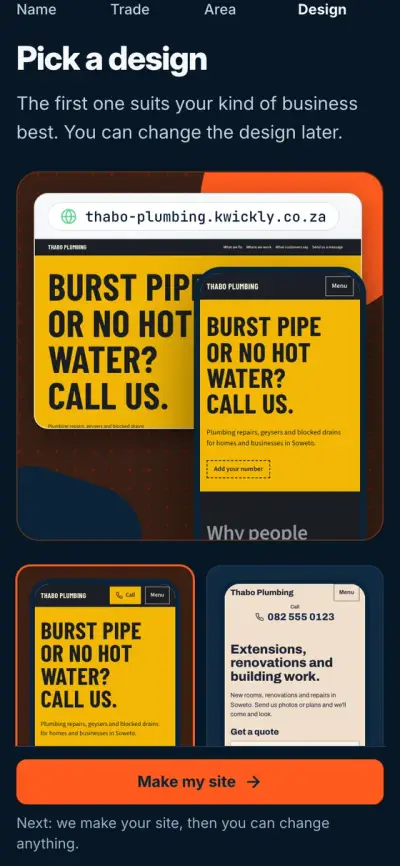
Pick a design
The first one suits your kind of business best, and you can change it later.
- 4
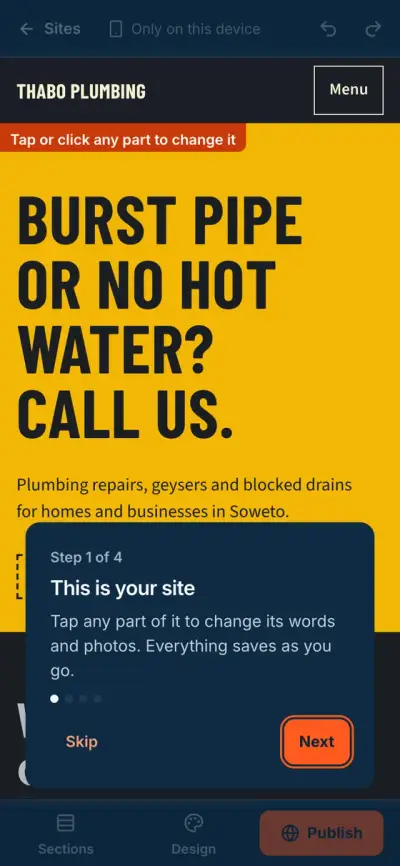
Make it yours
Tap any part of your site to change its words and photos. A short checklist shows what's left.
- 5
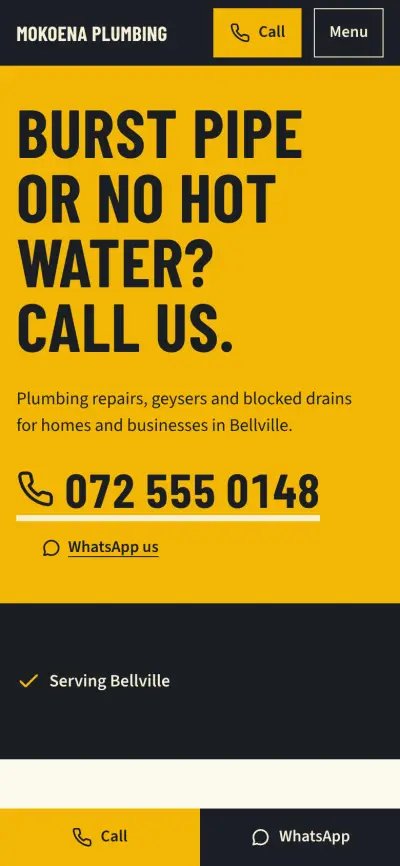
Publish and share
Choose your address and plan, then pay. Your website goes online, and you can send customers the link on WhatsApp.
What is Kwickly?
Kwickly is an online tool that makes a website for your business. You don't need a web designer, and you don't need to know how websites work.
You start by typing your business name and choosing what you do. Kwickly then puts together a full website for that kind of business, with example words and photos already in place.
You replace the examples with your own details. When you're happy, you choose a plan and pay, and your website goes online with an address you can share with customers.
Words you'll see
- Web address
- What people type to find your site, like mokoena-plumbing.kwickly.co.za. It's also called a domain.
- Hosting
- The service that keeps your website online. It's included in your plan.
- Secure padlock
- The small lock in the browser that shows your site is safe to use. It's also included.
- Template or design
- The layout your site starts with. You change the words and photos to make it yours.
What your site comes with
For your customers
- WhatsApp and call buttons. The WhatsApp message is already typed for them.
- A contact form. Messages go straight to your email.
- Online bookings with email reminders, on the Business plan.
- Customers can move or cancel a booking from their email, on the Business plan.
For Google
- A title and short description for each page, which Google can show in search results.
- A list of your pages that helps Google find them.
- Your business details set up so Google can read them. No one can promise you a top spot on Google, but this gives your site a proper start.
For you
- You can run your website from your phone or computer. After you save, your changes appear by themselves.
- You can use your own photos, or stock photos chosen for your kind of business.
- Hosting and the secure padlock are included, and there's nothing to set up.
- Every Monday you get an email with your visits, messages and bookings.
See your website before you pay anything
It's free to start, with no card and no account.
See my site